Unreal Game - My Sweet Children
You are the father of two children, Hansel and Gretel. Sending them alone in the woods during a famine and modern ice age was a mistake, but can you rescue them before it's too late?
I was thrilled to jump into Unreal this semester to fully develop a short first-person game. Having very little experience with it beforehand, I was able to greatly improve my comfort and skills in the software. I used Unreal Engine 5 which proved to be both a blessing (incredible new features, cleaner UI) and a curse (limited documentation, issues with my plug-in).
I began with pre-vis of the level: writing my narrative, greyboxing the environment, finding a color scheme, sketching out designs, etc. This allowed me to have a jumping point before diving into Unreal. I then began modeling and downloading assets for my level. Creating the gingerbread house was my favorite part since I was able to design a creepy but pleasing shaped house. I was able to save time by using trees generated by SpeedTree. It was important to me that I delegated my time properly for the scope I was trying to accomplish. I was more interested in the technical development in the project but had to insure the visuals could stand up on their own. Another way I did this was by using the Weather Machine plug-in which generated the snow in the level.
After getting models into the level, it was time to add materials. I always had imagined shading would be the same as texturing - UV unwrapping, using Substance Painter, loading maps, etc. However, creating node-based materials in Unreal was a lot more fun than I thought! I thoroughly enjoyed applying a more technical mindset to an artistic portion of my game. For example, I learned how to get a material to only apply on the top of an object so I could get snow on my scene.
Now for the fun part - creating interactive mechanics for the game! First, I created a parent blueprint for food interaction. Using a static mesh and a box, I made it so walking near a food item would give you the option to eat it. I checked if it was a mushroom to affect your vision or if it was a body part in the later portion of the game. Next, I used post processing and tick to have the player's vision deteriorate over time (ie: vignette closing in). This would reset as the player ate food. I also added a piece mechanic where the player could collect pieces of paper to get a clue about where their kids are. This allowed for lots of work in designing HUDs. I absolutely loved working with blueprints as it was a highlight of the project.
On top of all this, I made sure to have users test the game before completing it. I documented their feedback and made lots of adjustments accordingly. One common comment was that the vignette blacked out your vision too fast - an oversight of mine from speedrunning the game. I was able to fix this to allow for a more playable pace of the game.
One major issue I had at the end of the process was running my executable of the game. I was able to package it successfully, but I'm having issues with the plug-in and its effects. This is something I will work on early next semester to have a playable game for others to enjoy!

Screenshot from the level.
Rendered cutscene from the start of the game.
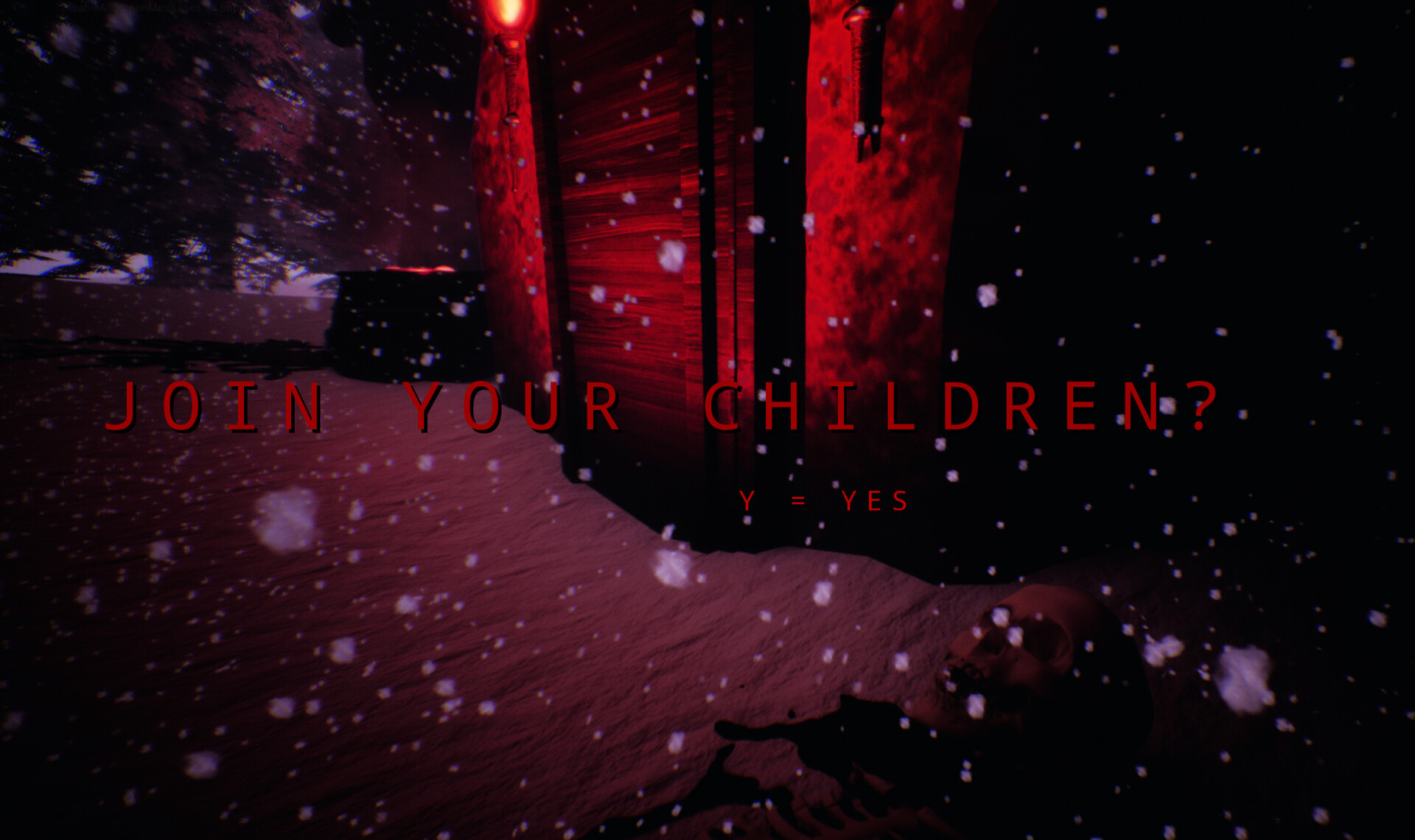
Screenshot #2 from the level.
Full gameplay of the level.

Material that places snow on top of an object.

Portion of blueprint for ruining player vision over time.

Concept art for the house and a grave.

References I gathered before modeling.